Transcribe audio to text Recap
Appfinity.
Downloads
100,000+
Source
Google Play
Advertisement
Click to download now, finish the installation quickly, and directly unlock the all-round experience
Advertisement
Screenshots




Click to download now, finish the installation quickly, and directly unlock the all-round experience
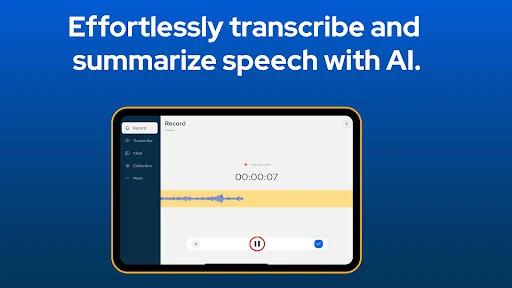
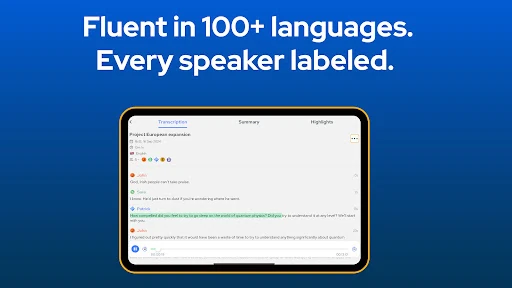
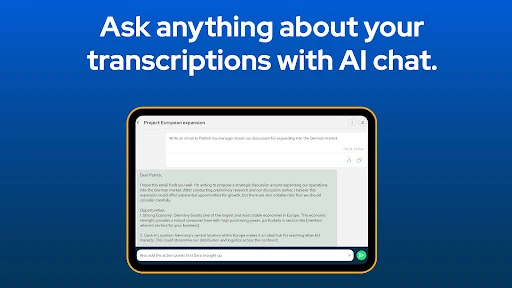
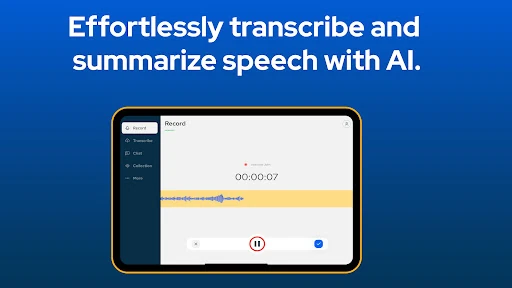
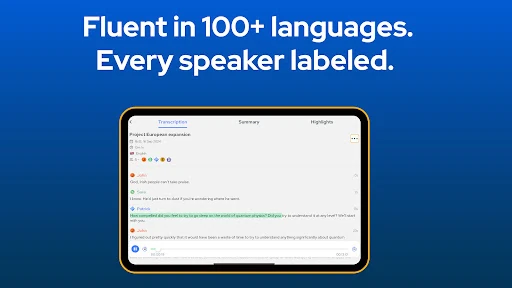
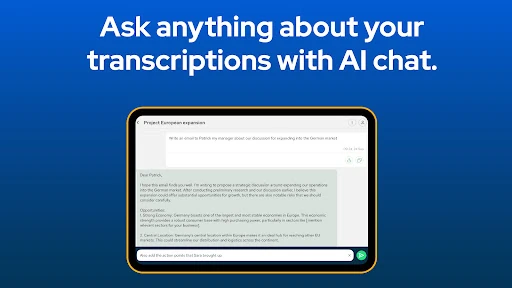
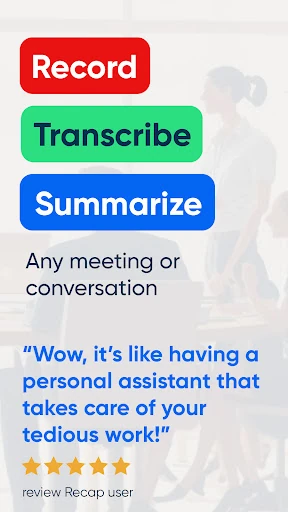
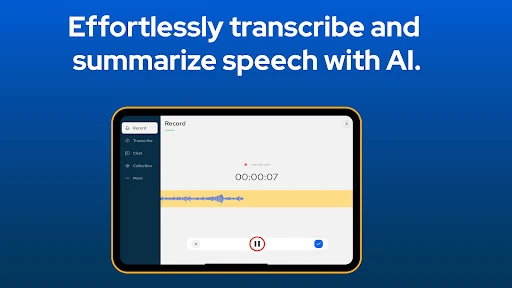
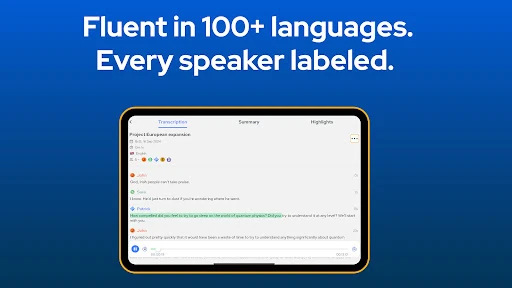
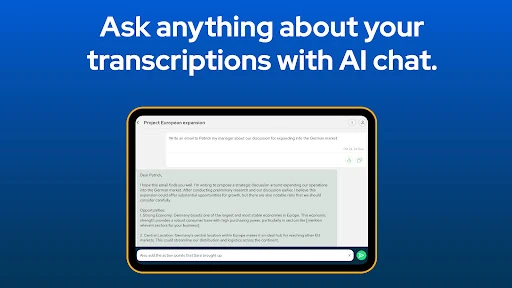
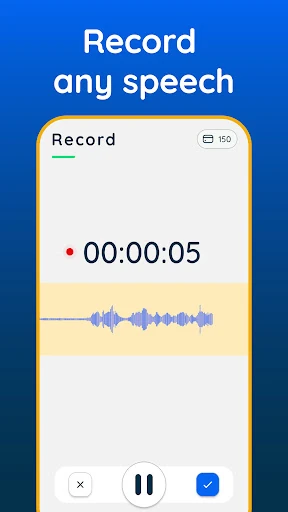
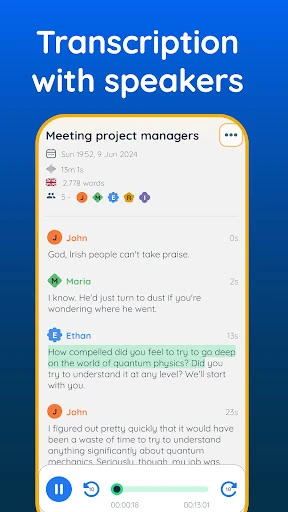
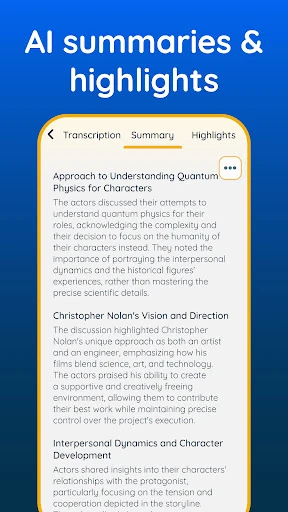
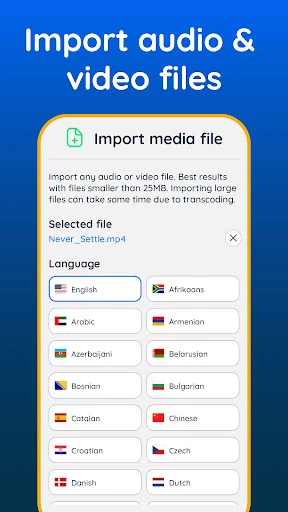
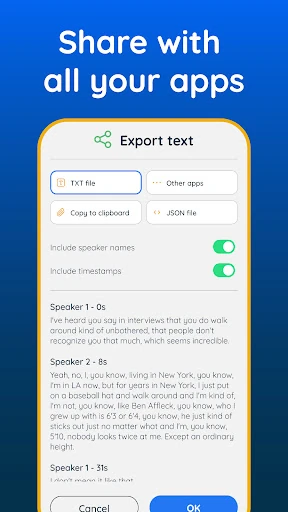
Transcribe audio to text Recap is a productivity app for people who want written notes from audio without typing everything themselves. It uses AI to transcribe audio recordings and create shorter summaries, which may be useful for reviewing meetings, lectures or other long recordings. You can edit the resulting text in the app and share or export it.
Transcription is not a substitute for checking the result. Names, specialist terms and unclear speech can be misheard, so proofread the text before relying on it or sharing it. The app’s AI processing also depends on an internet connection, according to the available feature information.
The supplied listing details do not say whether transcription or summaries are free, whether some features sit behind a paywall, or whether the app shows ads. Check the Google Play listing for current pricing and in-app purchase details before making it part of a regular workflow. If you need to transcribe often, confirm what the free use, if any, actually includes.
Recap is published by Appfinity in the Productivity category. It has a 3.9 out of 5 rating from 667 ratings and has been installed 100,000+ times. Those figures offer a snapshot of its reach, but they do not tell you how well it handles your recordings; try it with a short, clear sample and review the transcript before using it for important notes.