RoboForm Password Manager
Siber Systems Inc
Downloads
1,000,000+
Source
Google Play
Advertisement
Click to download now, finish the installation quickly, and directly unlock the all-round experience
Advertisement
Screenshots
Click to download now, finish the installation quickly, and directly unlock the all-round experience
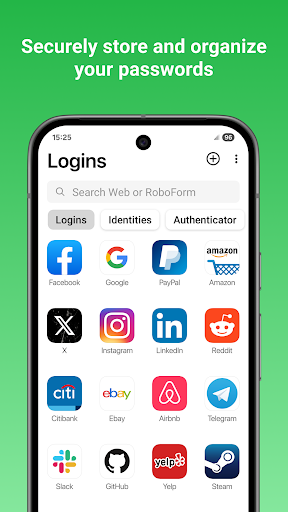
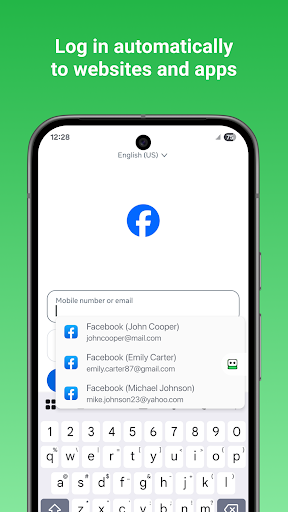
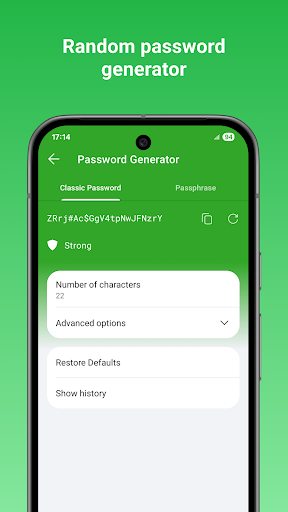
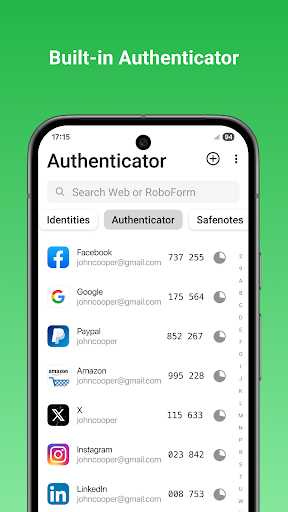
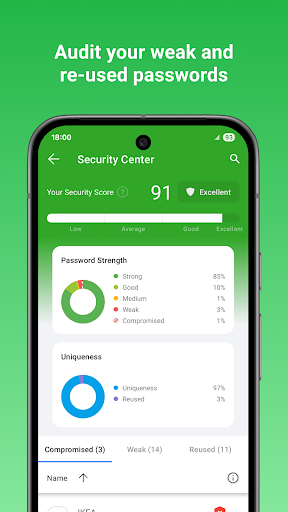
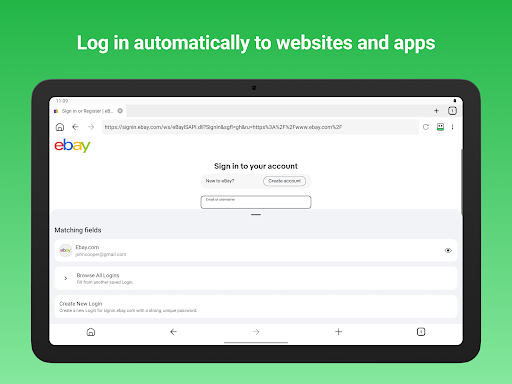
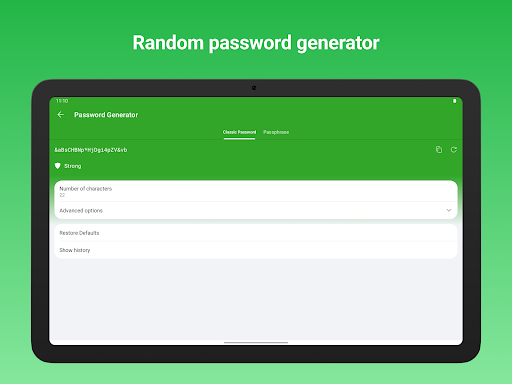
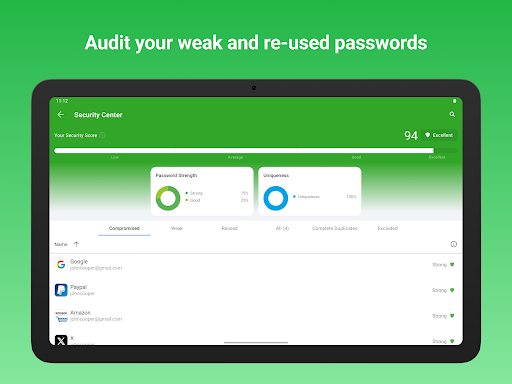
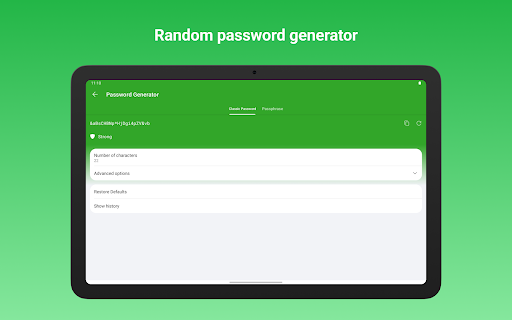
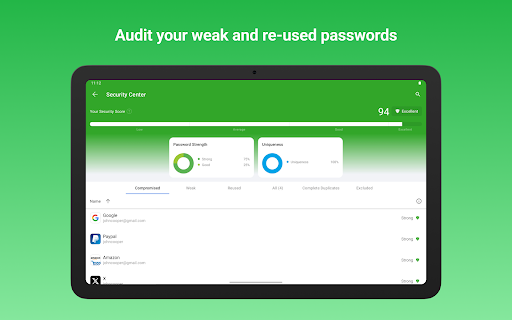
RoboForm Password Manager stores website and app logins, then helps fill them in when you sign in. It can also save new passwords, generate hard-to-guess ones, and flag weak or reused passwords. That makes it useful for people who want fewer passwords to remember and a quicker way through repeat logins.
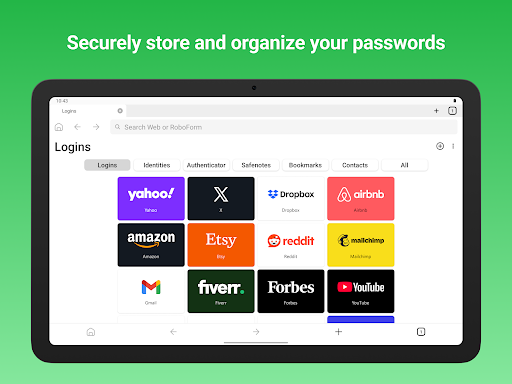
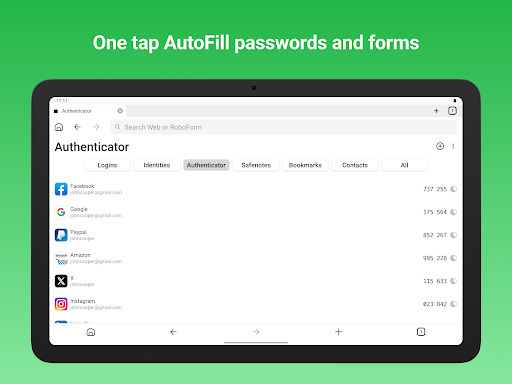
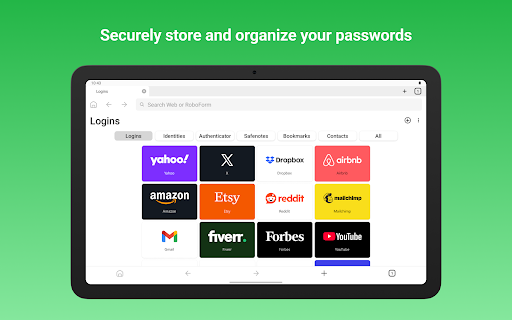
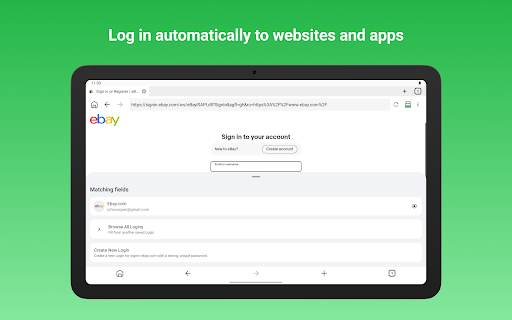
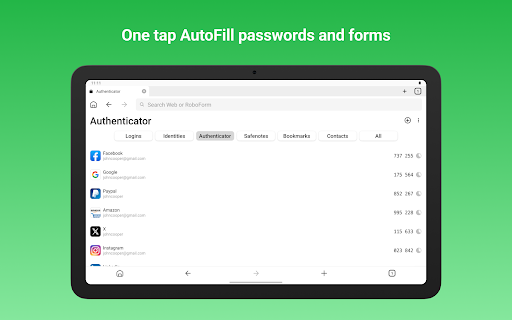
Beyond passwords, you can keep personal details, payment information, bookmarks and secure notes in the app. RoboForm can use saved details to fill long checkout forms. An embedded browser is available for one-tap website logins; autofill is also supported in Chrome and other browsers, though support can depend on the app or site.
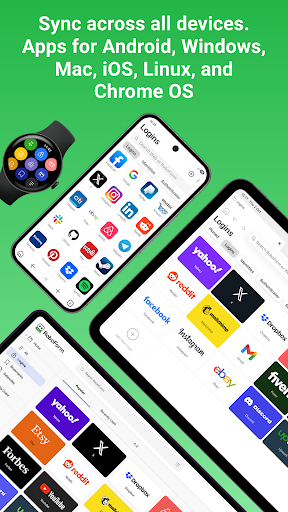
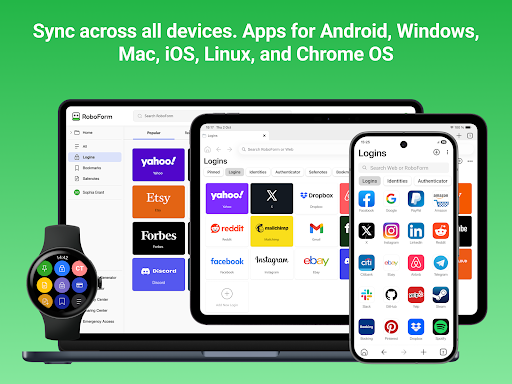
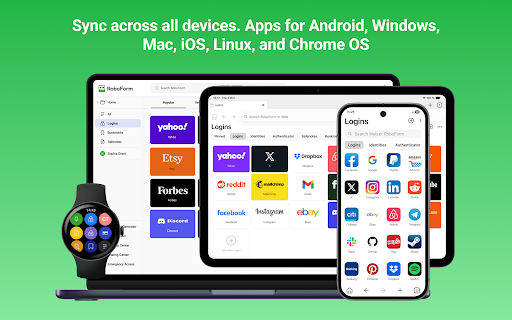
The supplied listing information does not give a price. Some features are identified as Premium: syncing passwords across devices and computers, sharing individual items, and emergency access for a trusted contact. A Family plan is also offered for up to five Premium accounts. Check Google Play for current pricing and which features are included without a subscription.
The listing does not specify whether ads appear, so that is another detail to verify on Google Play if it matters to you.
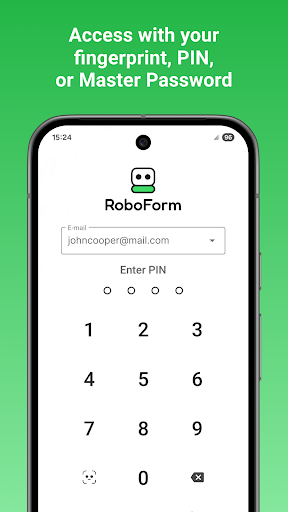
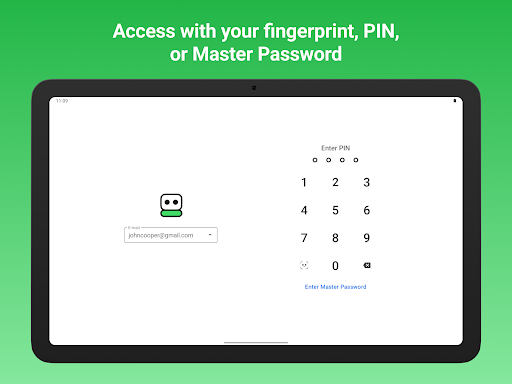
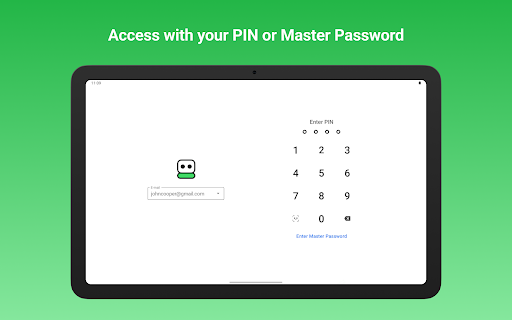
Your stored information is protected with AES-256 encryption, and access is built around a Master Password known only to you. The app also supports two-factor authentication and can lock after inactivity. As with any password manager, losing access to your master credentials can make your saved logins difficult to recover.
RoboForm is worth considering if you want password storage, login autofill and a place for other sensitive details in one app. Its Google Play listing shows a 4.73 rating from 37,273 reviews and 1,000,000+ installs. Those figures suggest broad use, but the Premium limits and the app’s fit with your browsers are more useful things to check before choosing it.