Advertisement
Click to download now, finish the installation quickly, and directly unlock the all-round experience
Advertisement
Screenshots
Click to download now, finish the installation quickly, and directly unlock the all-round experience
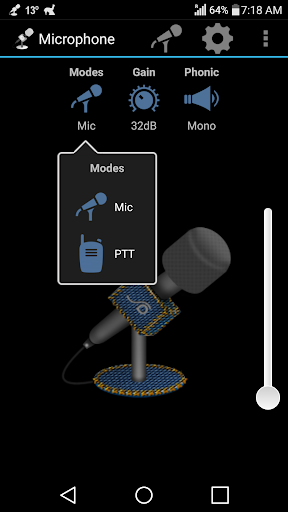
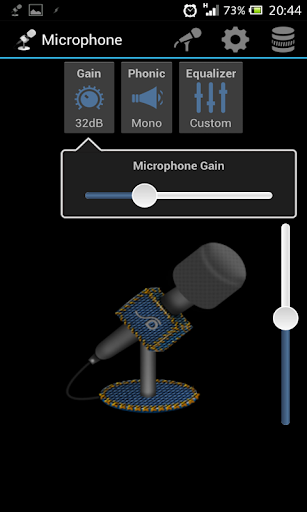
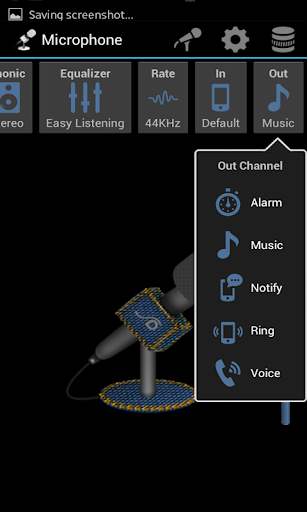
Microphone routes sound from your device’s microphone to its speaker. It is aimed at people who want to use a phone or tablet as a basic mic-and-speaker setup, with some control over the audio rather than a single on/off switch.
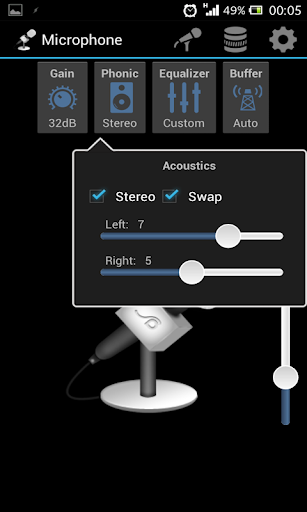
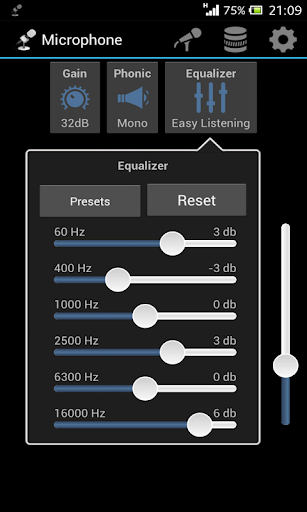
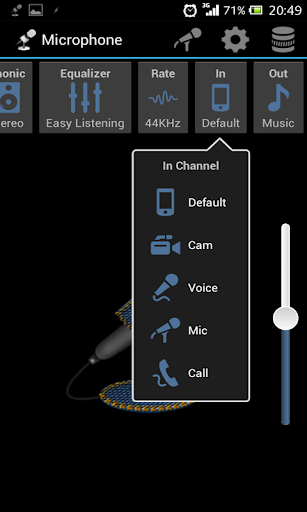
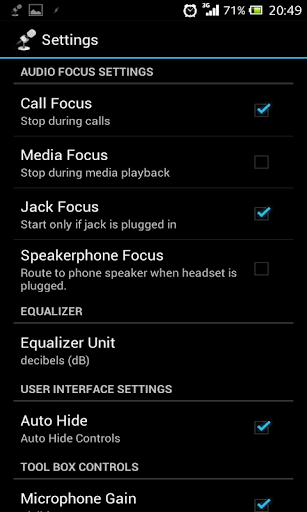
You can adjust amplification and equalizer settings, choose mono or stereo output, and balance the channels individually. The app also offers line-in and line-out selection and a choice of sampling rate. These options may help if you need to match the app’s output to your setup, but the details here do not promise compatibility with every device or accessory.
A widget gives access to the app without opening its full interface. It supports lock-screen use and can be resized. Microphone can also work as a plugin for Locale or Tasker, which may suit people who want to include it in an existing automation.
The supplied information does not say whether the core features require payment, whether there are in-app purchases, or whether ads appear. Check the Google Play listing for those details before relying on it. Sound routing and amplification also depend on your device and audio setup, so this is not a guarantee of a particular volume or sound quality.
Microphone is listed in Tools and has more than 10 million installs. Its rating is about 3.6 out of 5 across 72,301 ratings. That points to a widely used app with mixed user feedback; the number alone does not show whether it will work well with your specific device.